Video to prompt
Video to prompt reverse-engineers a reference video into reusable video prompts, key frames, shot structure, camera pacing, and negative prompts for Seedance or text-to-video workflows.
参考動画や画像をアップロードすると、画像プロンプト、動画プロンプト、ショット構成、キーフレーム、ネガティブまで整理します。刺さるテンポは残しつつ、自分の商品・キャラクター・UI・シーンに置き換えられます。

画像プロンプト、動画プロンプト、ショット案、ネガティブを一括作成。メンバーは15クレジットから。
画像、動画、リンクに対応。アップロード後、AIが主体・スタイル・ショット・ネガティブを読み取ります。
画像や動画をドロップすると、その裏側のプロンプトが見えます。JPG、PNG、WebP、MP4、MOV、直接メディアリンクに対応。
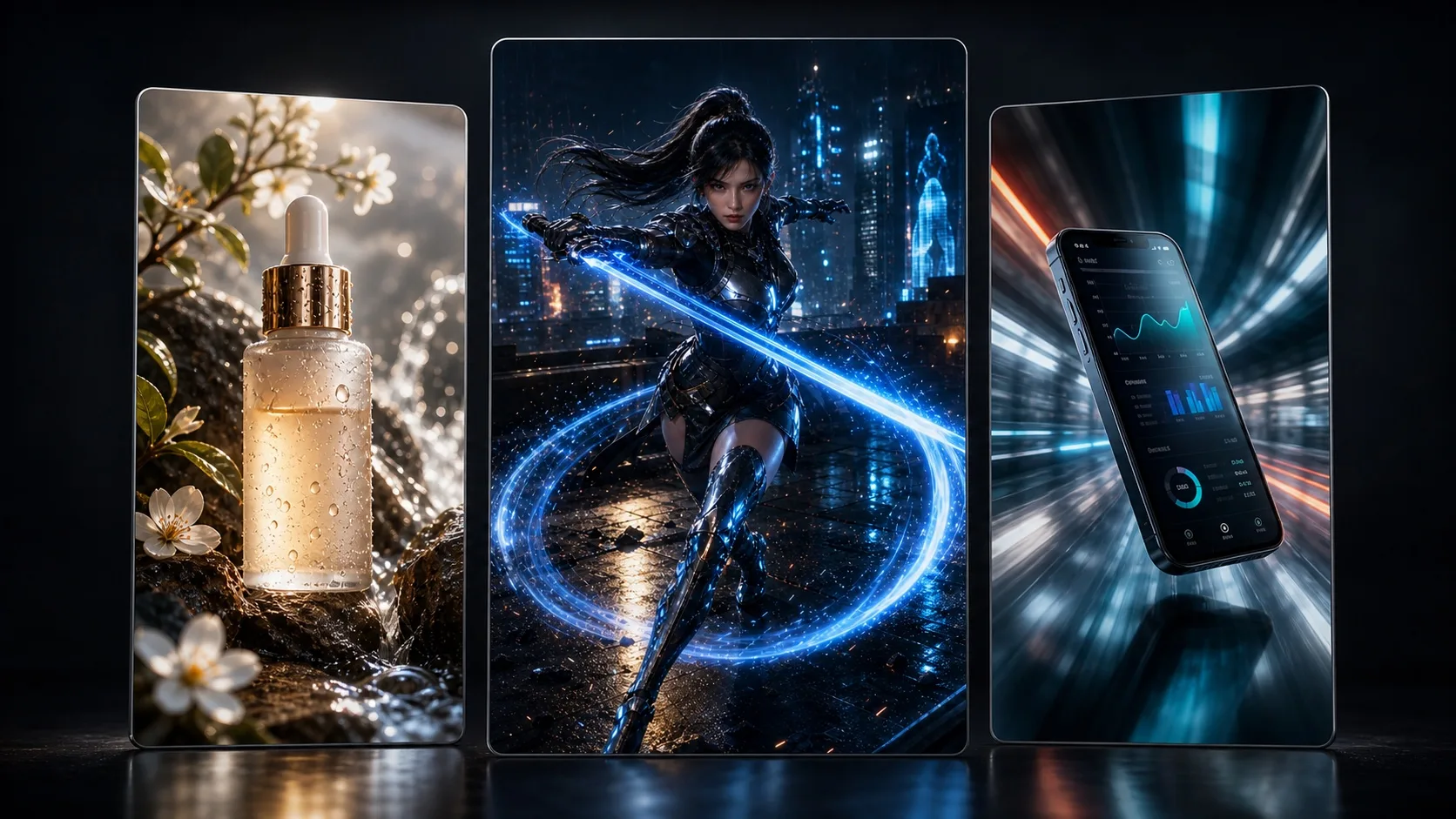
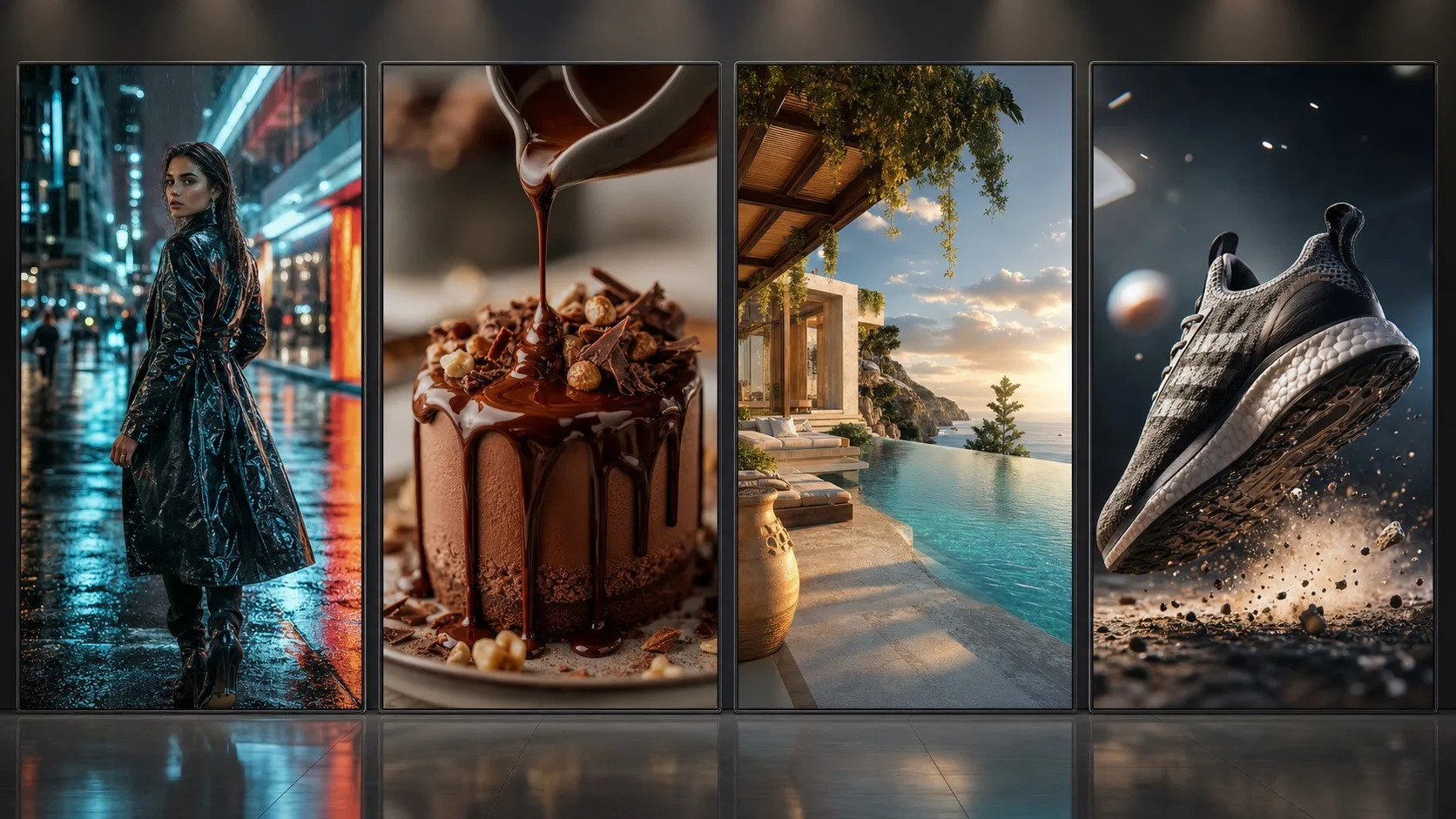
EC、ゲーム、アプリ、旅、フード、解説系まで、ショットのテンポと質感を再利用できるプロンプトに分解します。


When users search video to prompt, reference video to prompt, or video prompt generator, they need a workflow that turns a reference video into subject notes, shot order, key frames, camera pacing, negative prompts, and reusable video prompts.
Video to prompt reverse-engineers a reference video into reusable video prompts, key frames, shot structure, camera pacing, and negative prompts for Seedance or text-to-video workflows.
Upload a reference video and decode the opening hook, camera push-in, detail close-up, second angle, and final hold into prompt-ready structure.
For image-to-video workflows, the page creates prompts for the hero frame, detail movement, camera direction, duration, and negative prompts.
The video to prompt output can include an image prompt for creating a controllable reference frame before image-to-video generation.
The core video prompt focuses on opening, push-in, detail, second angle, final hold, duration, camera movement, and pacing for Seedance.
When the reference has several important shots, generate one multi-shot collage first, then animate it with a video model.
A strong video to prompt workflow is not just writing one prompt. It needs subject, shot order, camera motion, key frames, aspect ratio, overlays, and rhythm. This page turns reference videos into video prompts for controlled AI creation.
The generated video prompt specifies opening, push-in, detail shot, second angle, final hold, target duration, and negative prompts for Seedance image-to-video or text-to-video.
The page detects TikTok, Douyin, Xiaohongshu, Instagram, YouTube, and other social links as source hints, but social auto-download is not enabled. Upload media you have permission to use for accurate visual analysis.
It is built for creators, ecommerce teams, game marketers, app growth teams, educators, local vloggers, brand marketers, and AI video creators who want to turn a reference video into reusable video generation prompts.
A normal generator starts from an idea. Video to prompt starts from a reference video, decodes the subject, hook, key frames, shot rhythm, and camera motion, then outputs reusable video prompts.
Image to prompt focuses on one frame: subject, composition, lighting, and style. Video to prompt also decodes shot order, key frames, camera motion, pacing, and final hold.
Yes. The video prompts are organized for Seedance text-to-video or image-to-video workflows, including opening, detail shot, second angle, final hold, target duration, and negative prompts.
Not currently. Social links are detected as source hints only. For accurate prompt reverse analysis, upload the media file or use a directly accessible image/video URL.
The product should frame this as a recreate or remix workflow with permission. Users should only process media, music, and voices they own or are authorized to use.