
Video to prompt
Video to prompt reverse-engineers a reference video into reusable video prompts, key frames, shot structure, camera pacing, and negative prompts for Seedance or text-to-video workflows.
Завантажте відео або зображення, щоб отримати промпти для зображень і відео, структуру кадрів, ключові кадри та негативи. Збережіть сильний ритм і перенесіть його на свій продукт, персонажа, інтерфейс або сцену.

Промпти для зображень і відео, shot plan та негативи за один запуск. Для учасників від 15 кредитів.
Працюють зображення, відео й посилання. AI розбере об’єкт, стиль, кадри та негативи.
Перетягніть зображення або відео й побачите промпт за ним.Підтримуються JPG, PNG, WebP, MP4, MOV і прямі медіа-посилання.
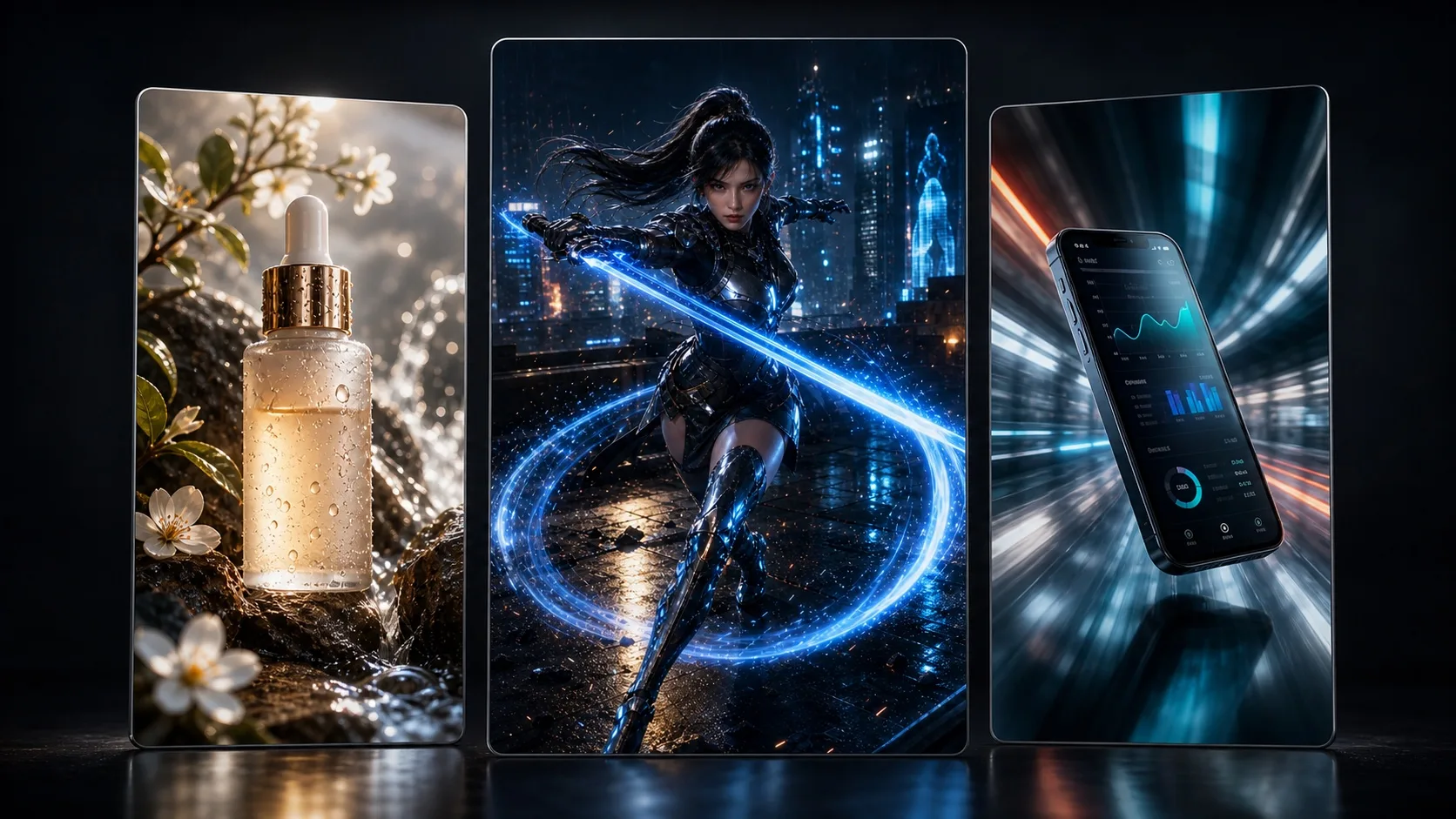
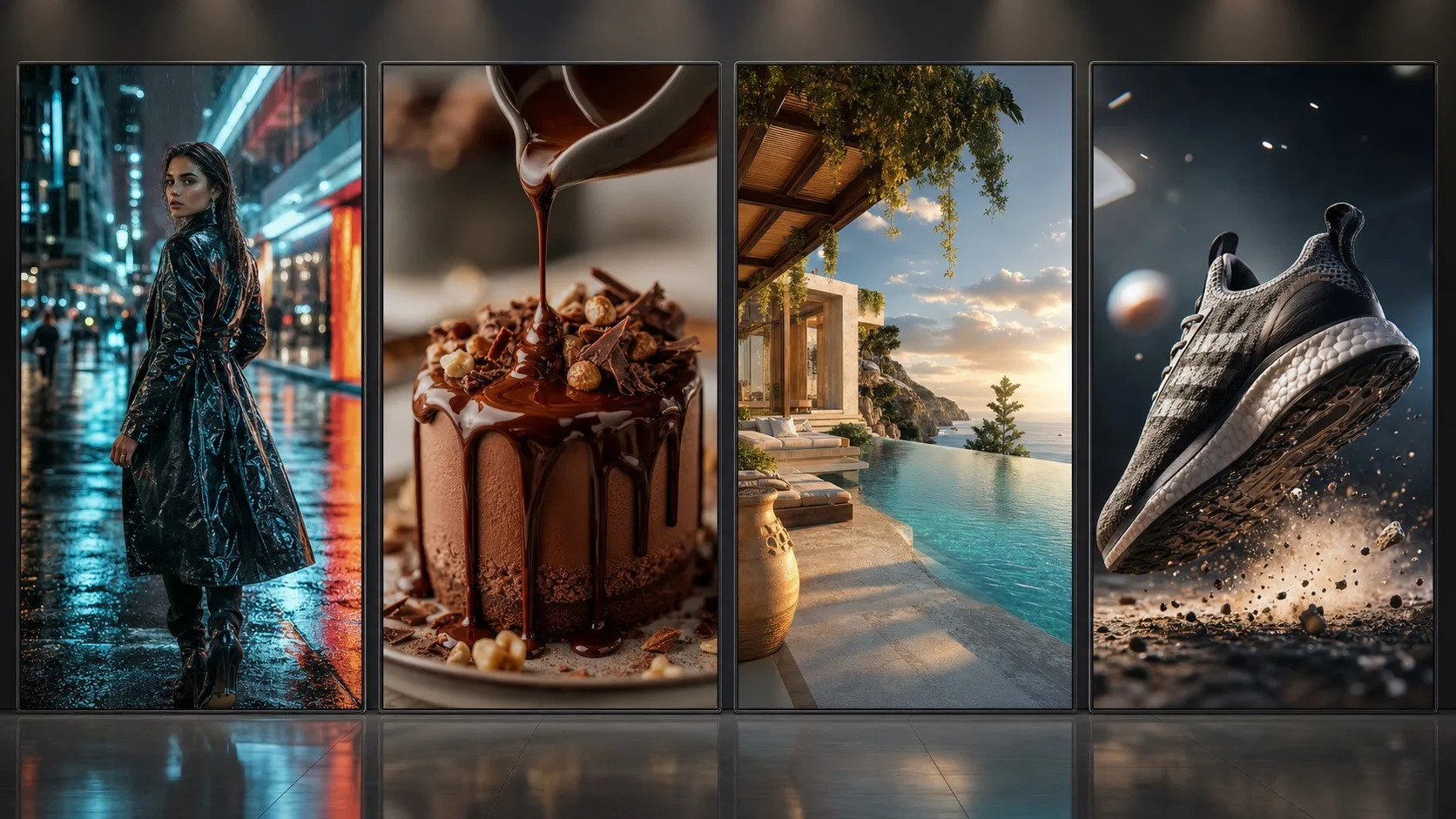
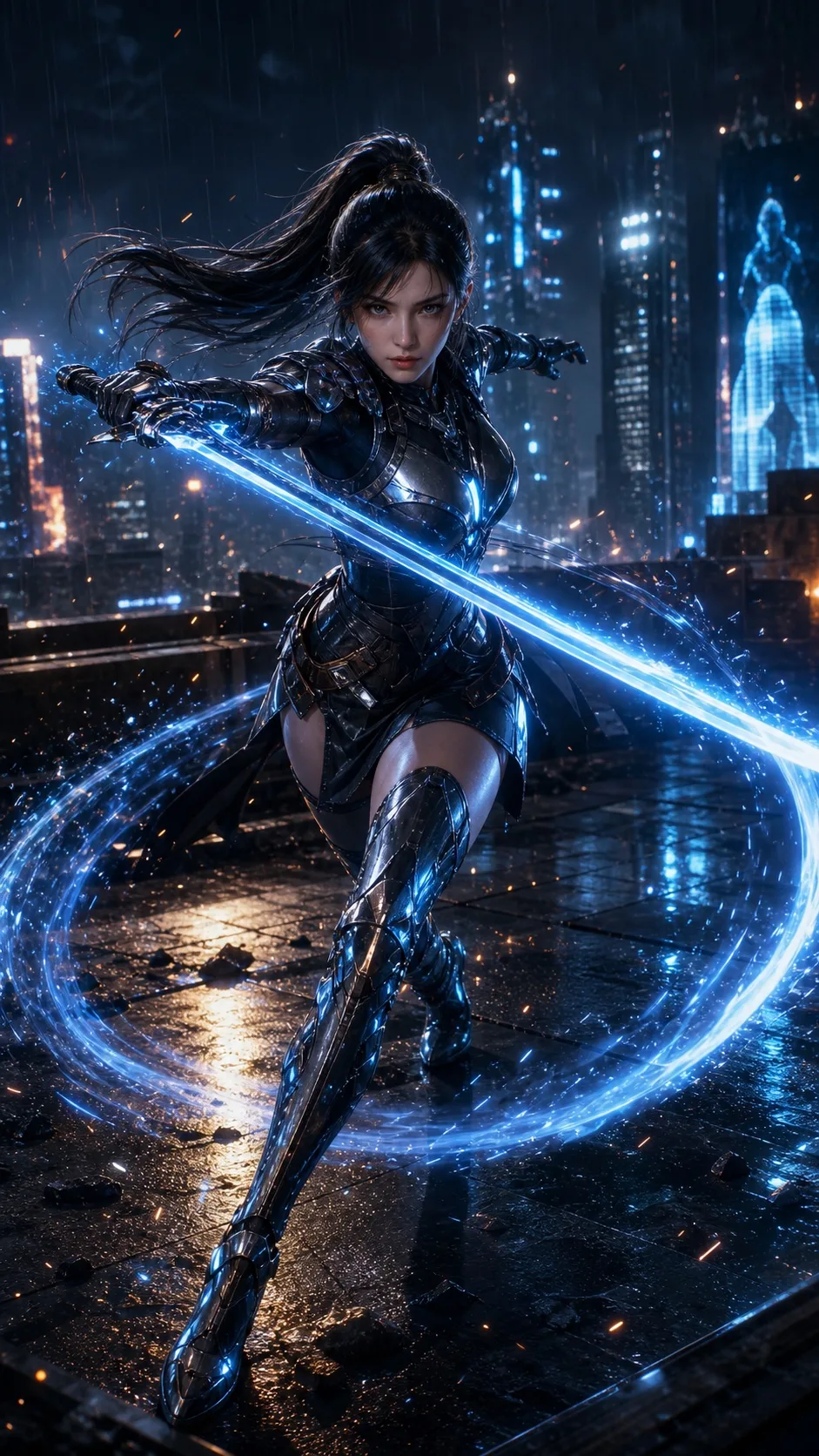
E-commerce, ігри, застосунки, подорожі, їжа та talking-head контент розкладаються на ритм кадрів, стиль і промпт-напрям.


When users search video to prompt, reference video to prompt, or video prompt generator, they need a workflow that turns a reference video into subject notes, shot order, key frames, camera pacing, negative prompts, and reusable video prompts.
Video to prompt reverse-engineers a reference video into reusable video prompts, key frames, shot structure, camera pacing, and negative prompts for Seedance or text-to-video workflows.
Upload a reference video and decode the opening hook, camera push-in, detail close-up, second angle, and final hold into prompt-ready structure.
For image-to-video workflows, the page creates prompts for the hero frame, detail movement, camera direction, duration, and negative prompts.
The video to prompt output can include an image prompt for creating a controllable reference frame before image-to-video generation.
The core video prompt focuses on opening, push-in, detail, second angle, final hold, duration, camera movement, and pacing for Seedance.
When the reference has several important shots, generate one multi-shot collage first, then animate it with a video model.
A strong video to prompt workflow is not just writing one prompt. It needs subject, shot order, camera motion, key frames, aspect ratio, overlays, and rhythm. This page turns reference videos into video prompts for controlled AI creation.
The generated video prompt specifies opening, push-in, detail shot, second angle, final hold, target duration, and negative prompts for Seedance image-to-video or text-to-video.
The page detects TikTok, Douyin, Xiaohongshu, Instagram, YouTube, and other social links as source hints, but social auto-download is not enabled. Upload media you have permission to use for accurate visual analysis.
It is built for creators, ecommerce teams, game marketers, app growth teams, educators, local vloggers, brand marketers, and AI video creators who want to turn a reference video into reusable video generation prompts.
A normal generator starts from an idea. Video to prompt starts from a reference video, decodes the subject, hook, key frames, shot rhythm, and camera motion, then outputs reusable video prompts.
Image to prompt focuses on one frame: subject, composition, lighting, and style. Video to prompt also decodes shot order, key frames, camera motion, pacing, and final hold.
Yes. The video prompts are organized for Seedance text-to-video or image-to-video workflows, including opening, detail shot, second angle, final hold, target duration, and negative prompts.
Not currently. Social links are detected as source hints only. For accurate prompt reverse analysis, upload the media file or use a directly accessible image/video URL.
The product should frame this as a recreate or remix workflow with permission. Users should only process media, music, and voices they own or are authorized to use.