
Video thành Prompt · Reverse tham chiếu

Trình tạo prompt đọc ngược từ video tham chiếu

Tải video hoặc ảnh tham chiếu để lấy prompt ảnh, prompt video, cấu trúc cảnh, keyframe và negative prompt có thể dùng lại. Giữ nhịp dựng hiệu quả rồi thay bằng sản phẩm, nhân vật, giao diện hoặc bối cảnh của bạn.

Image/video to promptCross-industry creative decodeStoryboard and negatives
Video to prompt result preview
Tải tham chiếu lên. Nhận prompt sẵn sàng tạo.

Prompt ảnh, prompt video, shot plan và negative prompt trong một lần chạy. Thành viên từ 15 credit.

member rate
Prompt ảnh có thể dùng lại
Prompt video
Cấu trúc cảnh và keyframe
Negative prompt và gợi ý âm thanh
6
frames
8-10s
duration
9:16
aspect

Tải tham chiếu lên, reverse ra prompt

Ảnh, video và link đều dùng được. AI sẽ đọc chủ thể, phong cách, cảnh quay và negative prompt.

Kéo ảnh hoặc video vào đây để thấy prompt phía sau.Hỗ trợ JPG, PNG, WebP, MP4, MOV và link media trực tiếp.

JPGPNGWebPMP4MOVURL
ẢnhVideoTự nhận diện
Bắt đầu không cần cài đặt
Thư viện kết quả viral

Biến khung hình bạn thích thành hướng video tiếp theo

Ecommerce, game, app, du lịch, đồ ăn và talking-head đều có thể tách thành nhịp cảnh, phong cách và hướng prompt.

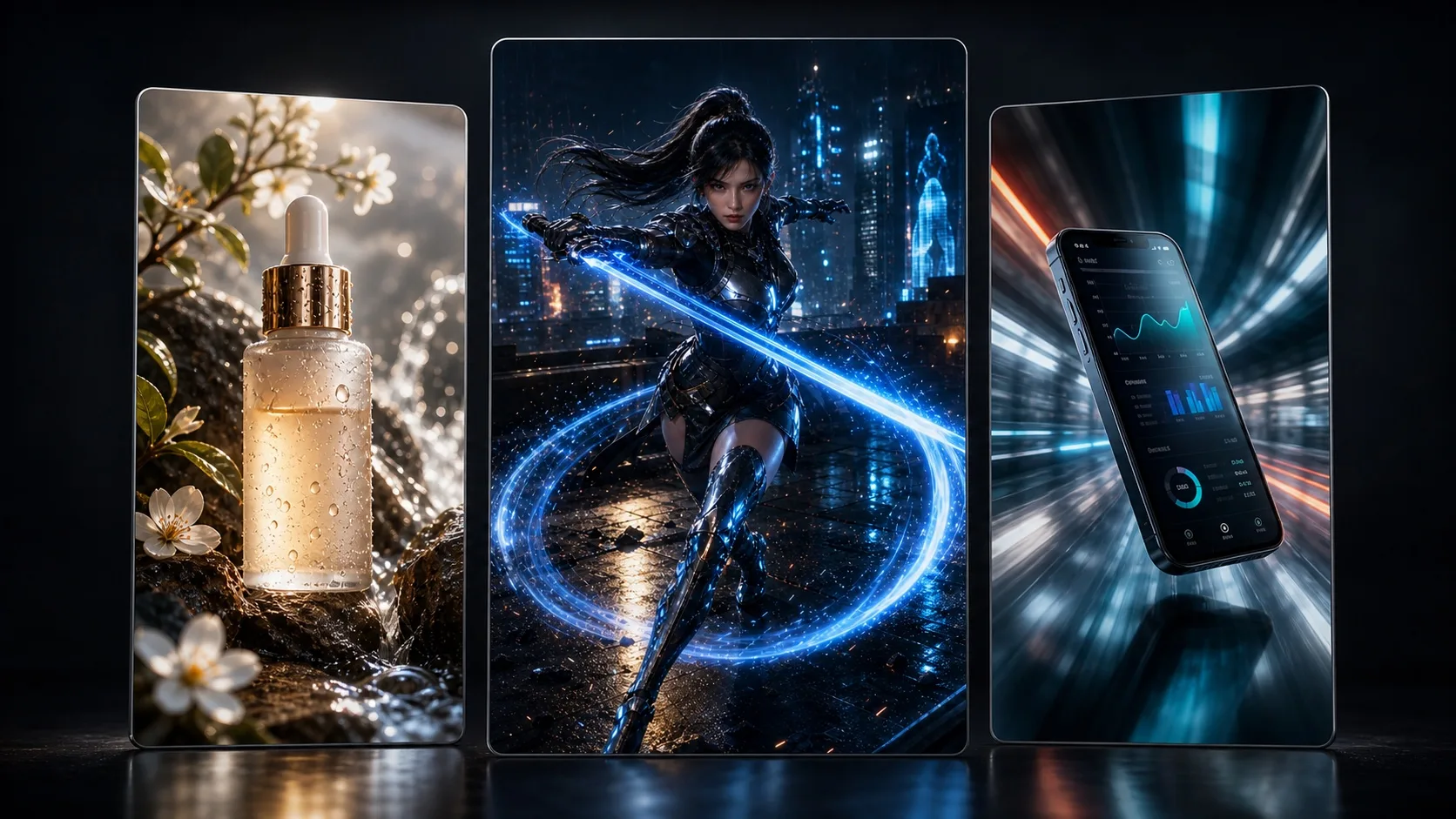
Cross-industry viral video result directions
Hướng visual viral sẵn sàng đăng
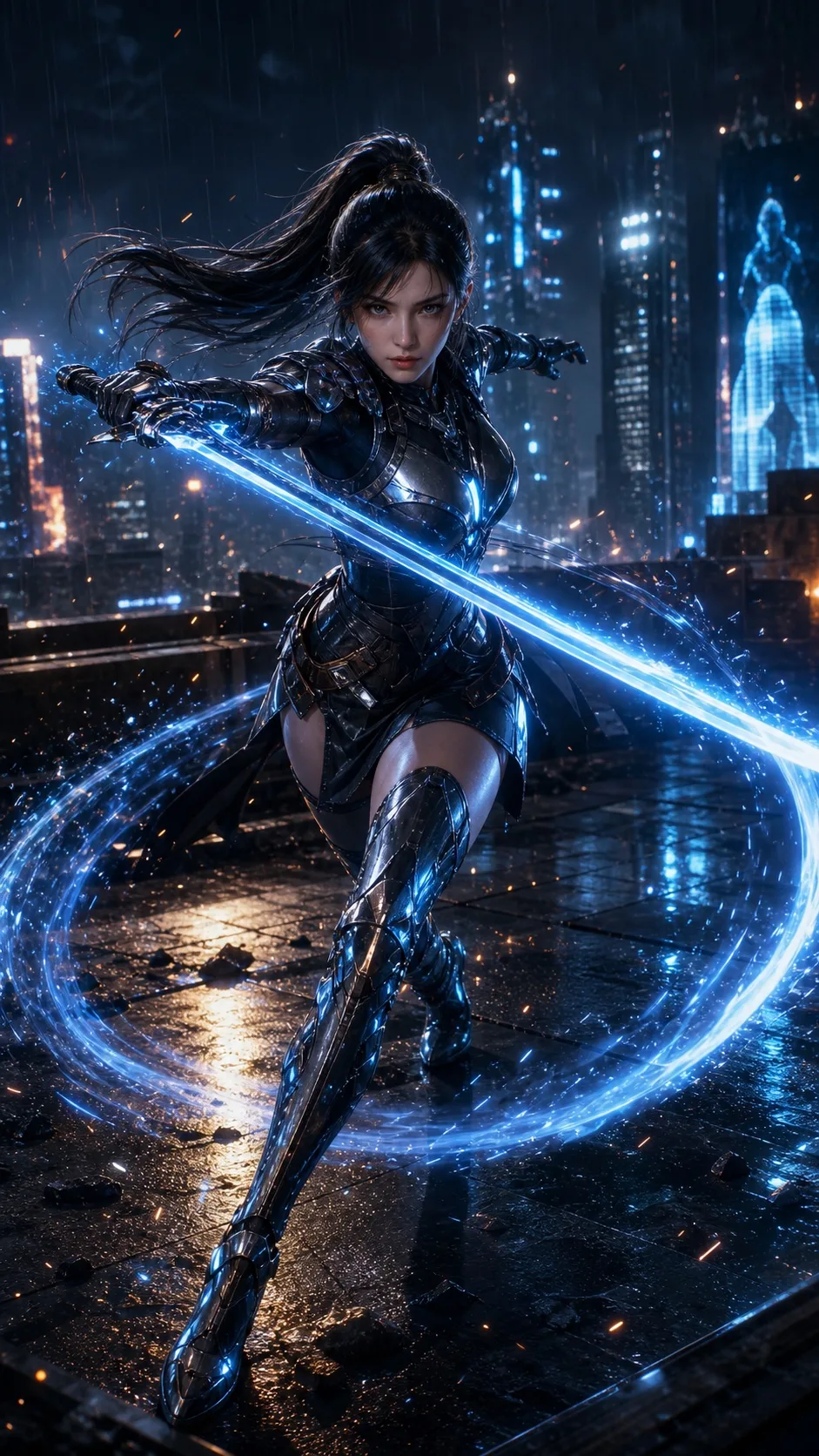
Game trailer visual direction
Hướng visual trailer game
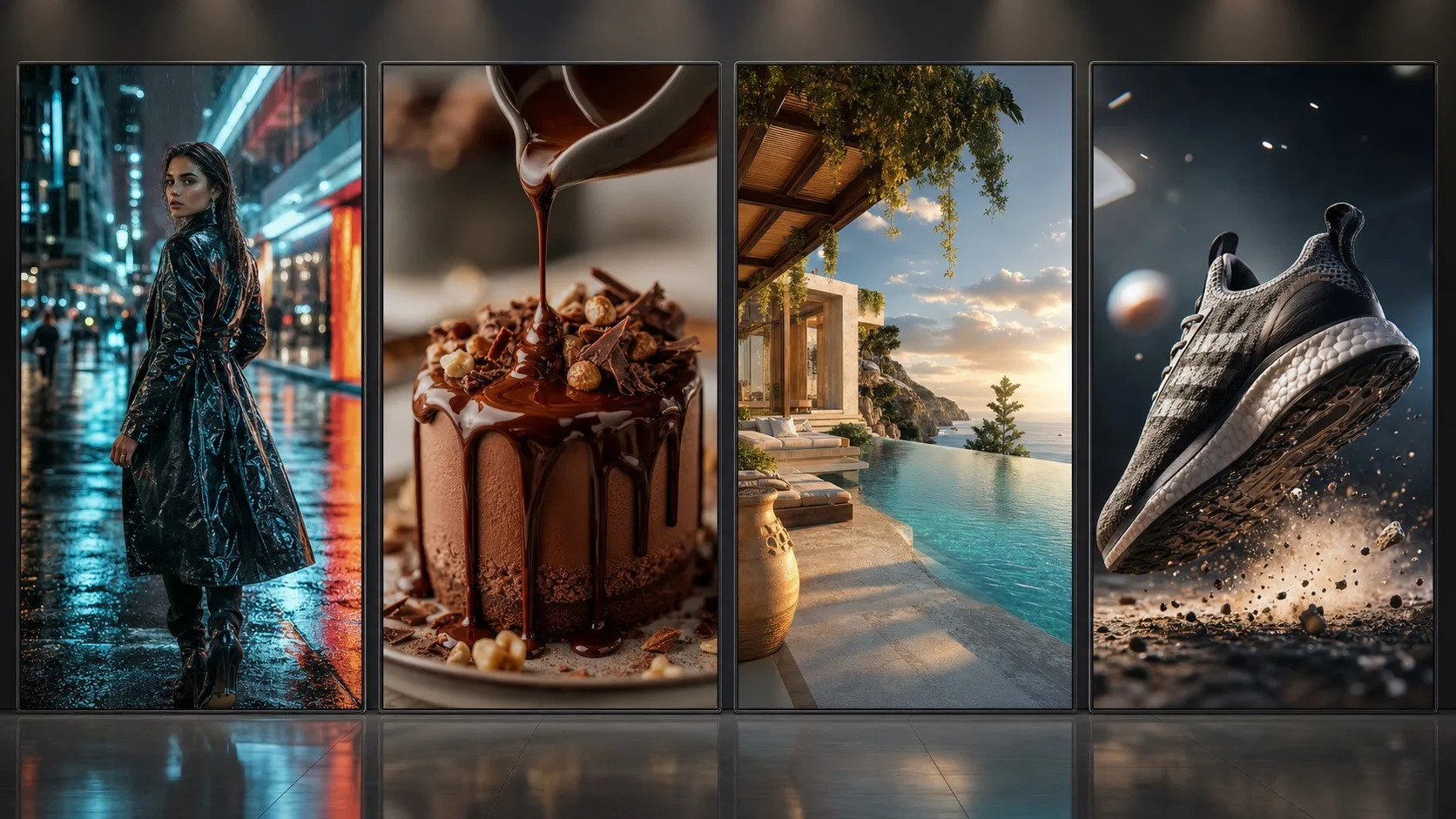
Cross-industry finished result examples
Hướng hình ảnh cho nhiều ngành
Built for creators and growth teams

Video to prompt turns references into generation-ready prompts

When users search video to prompt, reference video to prompt, or video prompt generator, they need a workflow that turns a reference video into subject notes, shot order, key frames, camera pacing, negative prompts, and reusable video prompts.

Video to prompt

Video to prompt reverse-engineers a reference video into reusable video prompts, key frames, shot structure, camera pacing, and negative prompts for Seedance or text-to-video workflows.

video to promptvideo prompt generatorAI video prompt

Reference video to prompt

Upload a reference video and decode the opening hook, camera push-in, detail close-up, second angle, and final hold into prompt-ready structure.

reference video to promptreference video promptSeedance prompt

Image to video prompt

For image-to-video workflows, the page creates prompts for the hero frame, detail movement, camera direction, duration, and negative prompts.

image to video promptAI video cloneviral video clone

Supported creative use cases

Game highlight videos: generate video prompts for character motion, skill effects, camera impact, and victory holds.
App demo videos: reverse interface flow, feature reveals, screen motion, and operation rhythm.
Ecommerce videos: create video prompts for hero product shots, selling details, usage scenes, and conversion shots.
Talking-head tutorials: decode speech pacing, subtitle rhythm, knowledge hook, and credible setting.
Travel and local vlogs: reverse location mood, movement path, signature details, and transitions.
Brand ads: generate brand video prompts for visuals, emotional tension, campaign scene, and final memory point.

Ready for generation

Image prompts for reference generation

The video to prompt output can include an image prompt for creating a controllable reference frame before image-to-video generation.

Video prompts for Seedance

The core video prompt focuses on opening, push-in, detail, second angle, final hold, duration, camera movement, and pacing for Seedance.

Multi-shot collage workflow

When the reference has several important shots, generate one multi-shot collage first, then animate it with a video model.

Decode viral video structure

A strong video to prompt workflow is not just writing one prompt. It needs subject, shot order, camera motion, key frames, aspect ratio, overlays, and rhythm. This page turns reference videos into video prompts for controlled AI creation.

viral video clonereference video to promptgame video promptvideo promptimage to video prompt

From reference video to Seedance prompts

The generated video prompt specifies opening, push-in, detail shot, second angle, final hold, target duration, and negative prompts for Seedance image-to-video or text-to-video.

Seedance promptimage to video promptstoryboard prompt generator

Upload media for better reverse analysis

The page detects TikTok, Douyin, Xiaohongshu, Instagram, YouTube, and other social links as source hints, but social auto-download is not enabled. Upload media you have permission to use for accurate visual analysis.

social link detectionlocal media uploadaudio workflowauthorized voice clone
Who should use this video to prompt page?

It is built for creators, ecommerce teams, game marketers, app growth teams, educators, local vloggers, brand marketers, and AI video creators who want to turn a reference video into reusable video generation prompts.

How is video to prompt different from a normal AI video generator?

A normal generator starts from an idea. Video to prompt starts from a reference video, decodes the subject, hook, key frames, shot rhythm, and camera motion, then outputs reusable video prompts.

What is the difference between image to prompt and video to prompt?

Image to prompt focuses on one frame: subject, composition, lighting, and style. Video to prompt also decodes shot order, key frames, camera motion, pacing, and final hold.

Are the video prompts designed for Seedance?

Yes. The video prompts are organized for Seedance text-to-video or image-to-video workflows, including opening, detail shot, second angle, final hold, target duration, and negative prompts.

Can I paste a social link and clone it automatically?

Not currently. Social links are detected as source hints only. For accurate prompt reverse analysis, upload the media file or use a directly accessible image/video URL.

Can users clone someone else’s video directly?

The product should frame this as a recreate or remix workflow with permission. Users should only process media, music, and voices they own or are authorized to use.